
System › Updates & License is the single place for everything update- and entitlement-related on an Ixolate box. It replaces the stock firmware page.
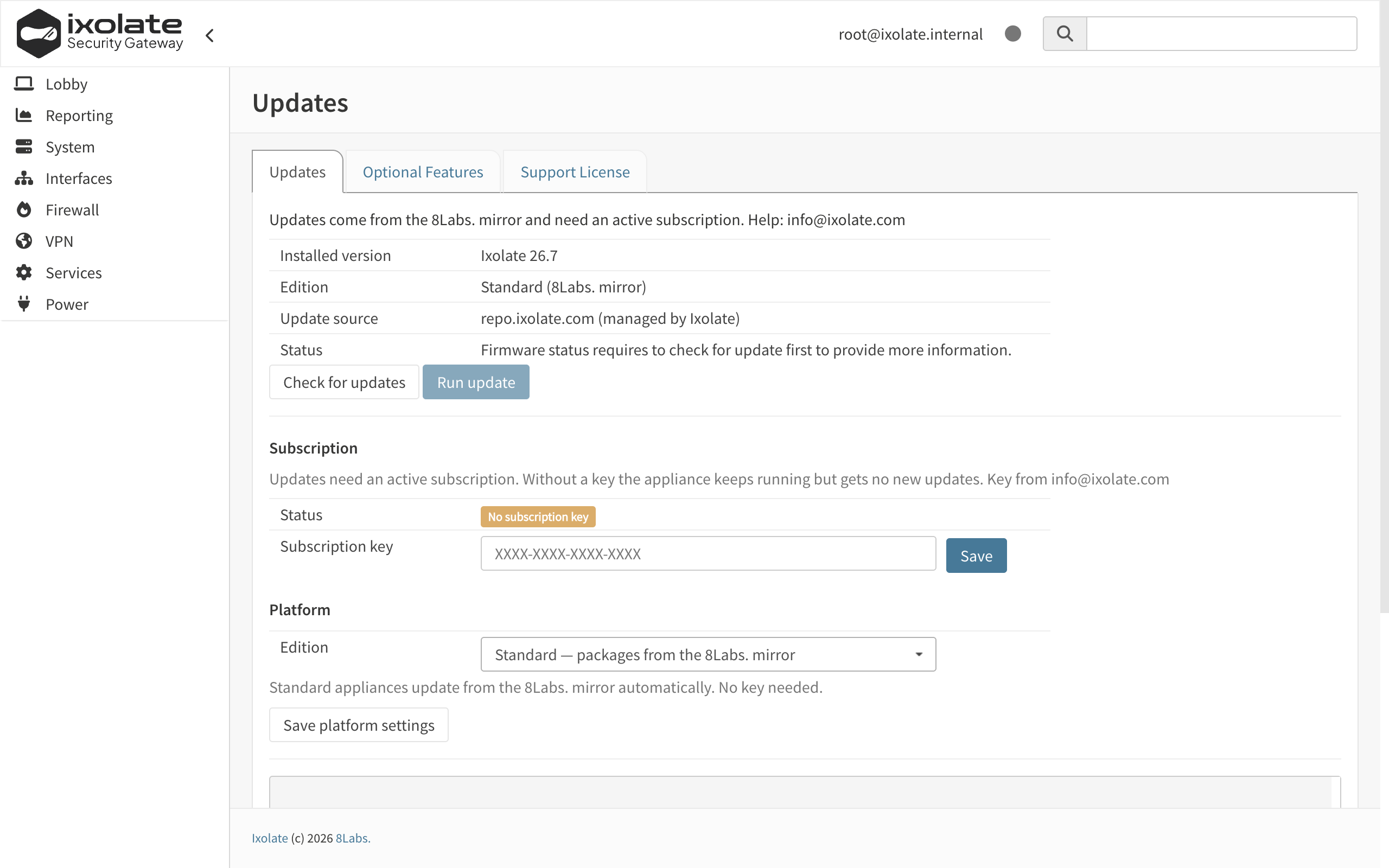
Subscription key
The key selects your update repository:
https://repo.ixolate.com/<key>Enter it once; the box rewrites its mirror setting on every configuration reload, so it cannot drift back to a public mirror by accident. The key is validated for format locally (four or more groups of hexadecimal characters separated by dashes) and for validity by the repository: a revoked key answers 404 and the box falls into no-subscription mode until a valid key is entered.
Checking and installing updates
Check for updates queries the repository and lists package and system updates for the running series. Update installs them; a reboot is requested when base system or kernel changed. Branding, theme, hidden menus and the repository pin are restored automatically after every update, on the next boot as well.
The page also shows the current version, the plugin release and the effective mirror.
Series jumps
Moving to a new series (for example 26.1 → 26.7) changes the operating-system ABI and is deliberately not exposed as a button. It is done together with support:
- All in-series updates are installed and the box is rebooted.
- Support runs the series jump through the same subscription key and reboots.
- The plugin is updated once more after the reboot.
No-subscription mode
Without a key, or with a revoked one, the box keeps running with its current packages. Updates are refused, the mirror reads no-subscription, and the page says so. Optional features that shipped on the media can still be enabled because their catalogue is local.
Support license
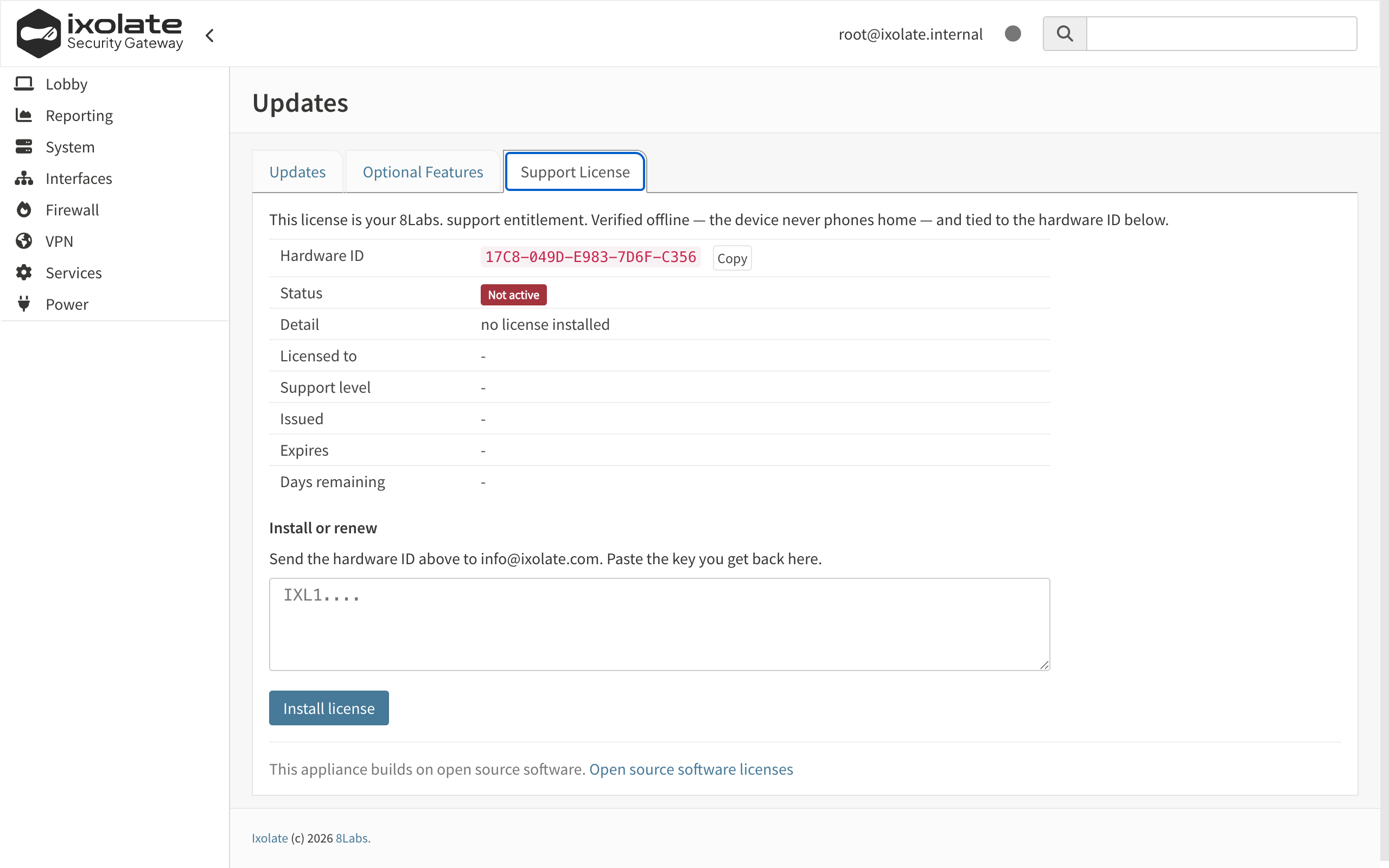
The Support License tab shows the Hardware ID of the box. It is derived from the machine’s firmware identity and does not change across reinstalls on the same hardware. Send it to info@ixolate.com; 8Labs answers with a signed license blob (IXL1…), valid for the agreed period.
Paste it into the license field or install it from the shell:
ixolate-license install /path/to/license.txt
ixolate-license status
Verification is entirely offline; nothing is sent from the box. The license represents support entitlement only. Expiry is shown on the page; features are never disabled by it.
Logging
Every action on this page is logged to the system log with the tags ixolate-update and ixolate-license, visible under System › Log Files › General.